> ## Documentation Index
> Fetch the complete documentation index at: https://langchain-zh.cn/llms.txt
> Use this file to discover all available pages before exploring further.
# 沙箱概览
> 使用托管的沙箱在隔离环境中安全地执行代码并与文件系统交互。
沙箱是隔离环境,允许代理安全地执行潜在高风险操作——例如运行任意代码或与文件系统交互——而不会影响您的主基础设施。
沙盒处于私有预览阶段。随着迭代,API 和功能可能会发生变化。[加入等待名单](https://www.langchain.com/langsmith-sandboxes-waitlist?ref=docs.langchain.com) 以获取访问权限。
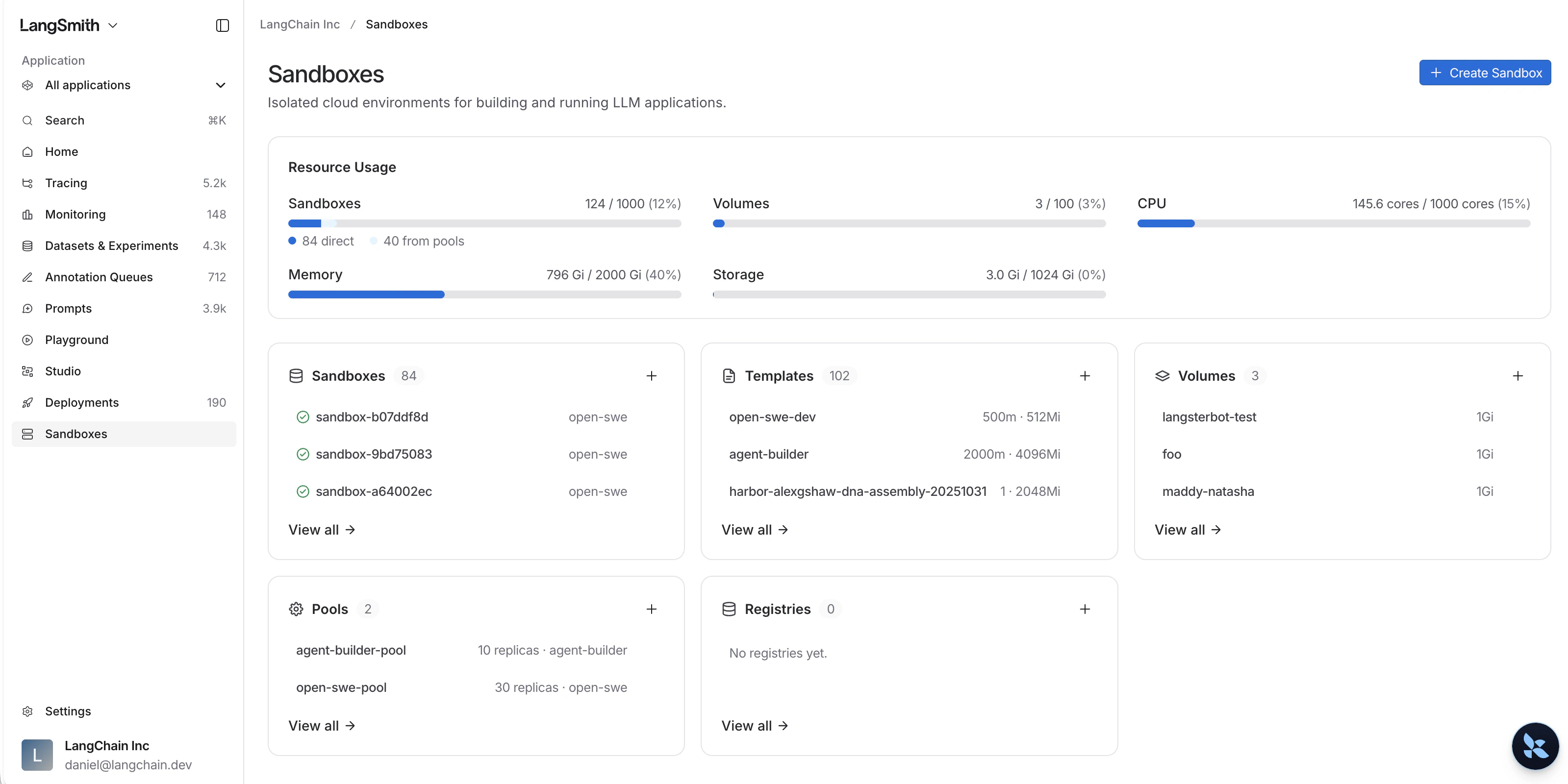
在 [LangSmith 主页](https://smith.langchain.com) 上,选择 **沙箱** 来管理您所有的沙箱资源。
 ## 资源
定义容器镜像、资源限制、卷和认证代理配置。
预置沙箱以实现更快的执行速度,并支持自动补充。
将凭据注入出站 API 请求中,无需硬编码密钥。
使用 Python 或 TypeScript SDK 以编程方式创建和管理沙箱。
***
## 资源
定义容器镜像、资源限制、卷和认证代理配置。
预置沙箱以实现更快的执行速度,并支持自动补充。
将凭据注入出站 API 请求中,无需硬编码密钥。
使用 Python 或 TypeScript SDK 以编程方式创建和管理沙箱。
***
[Edit this page on GitHub](https://github.com/langchain-ai/docs/edit/main/src/i18n\zh-CN\langsmith\sandboxes.mdx) or [file an issue](https://github.com/langchain-ai/docs/issues/new/choose).
[Connect these docs](/use-these-docs) to Claude, VSCode, and more via MCP for real-time answers.